New in YouFocus 1.0.4
Timed YouTube Notes: Press + and Save the Exact Moment
You finally found the explanation that clicks — and three minutes later you cannot remember which minute it was. Pausing, opening Notion, pasting a link, typing “around 4:20”… the moment is gone.
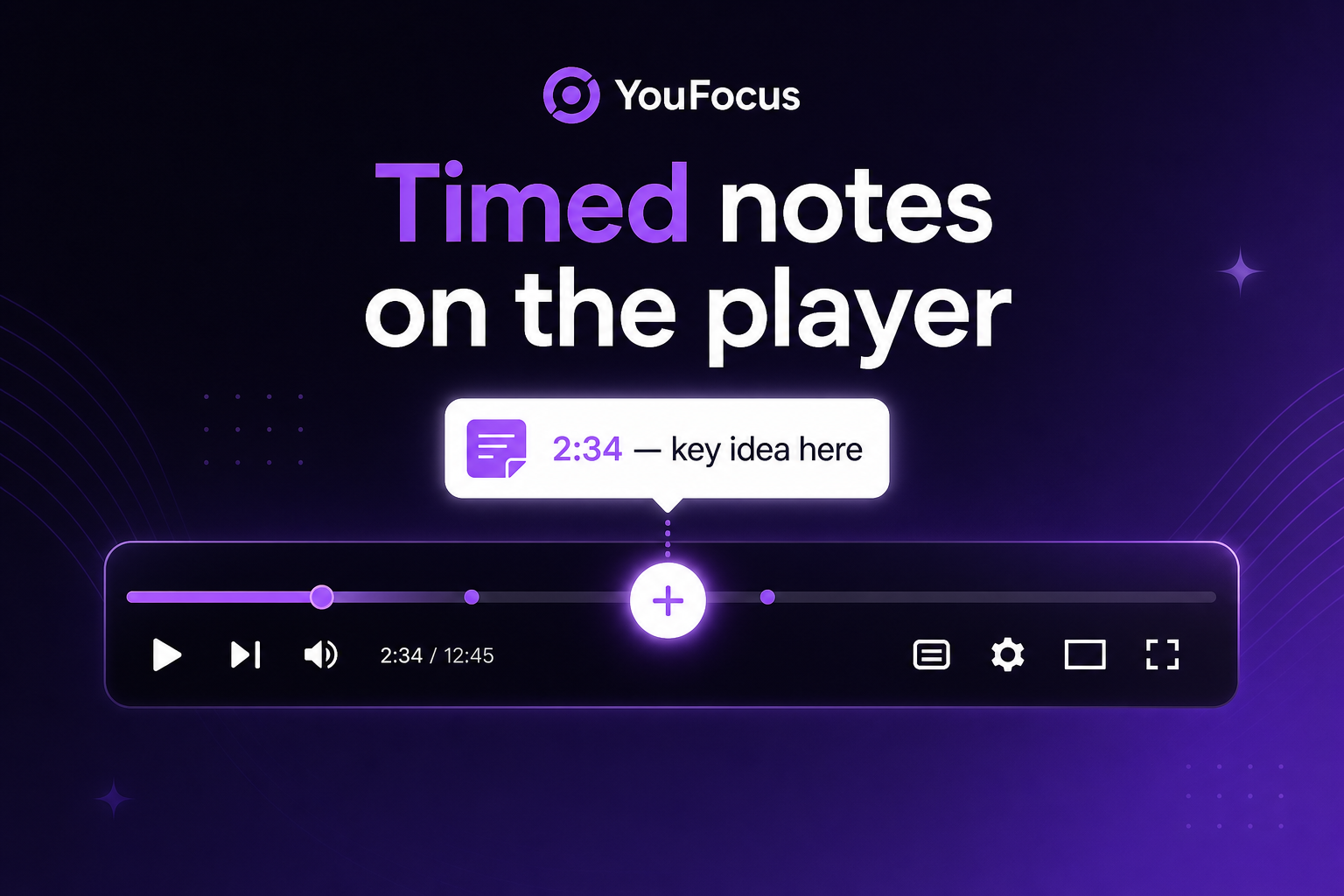
YouFocus video notes fix that: one + button on the YouTube player, a note saved at the exact second, and your whole list waiting in History when you come back.
What makes this different from “notes in another app”
- Timestamped, not vague — each note is tied to playback time (e.g.
2:34), not “somewhere in this video.” - On the player, not in another tab — click +, type, save. The video stays in front of you.
- Up to 10 notes per video — enough for a lecture or tutorial without turning into a second document.
- Works in any mode — Focus off, Study, or Work. Notes are not locked behind focus modes.
- 100% local — stored in your browser only. No account, no cloud sync, no tracking.
How to start in 30 seconds
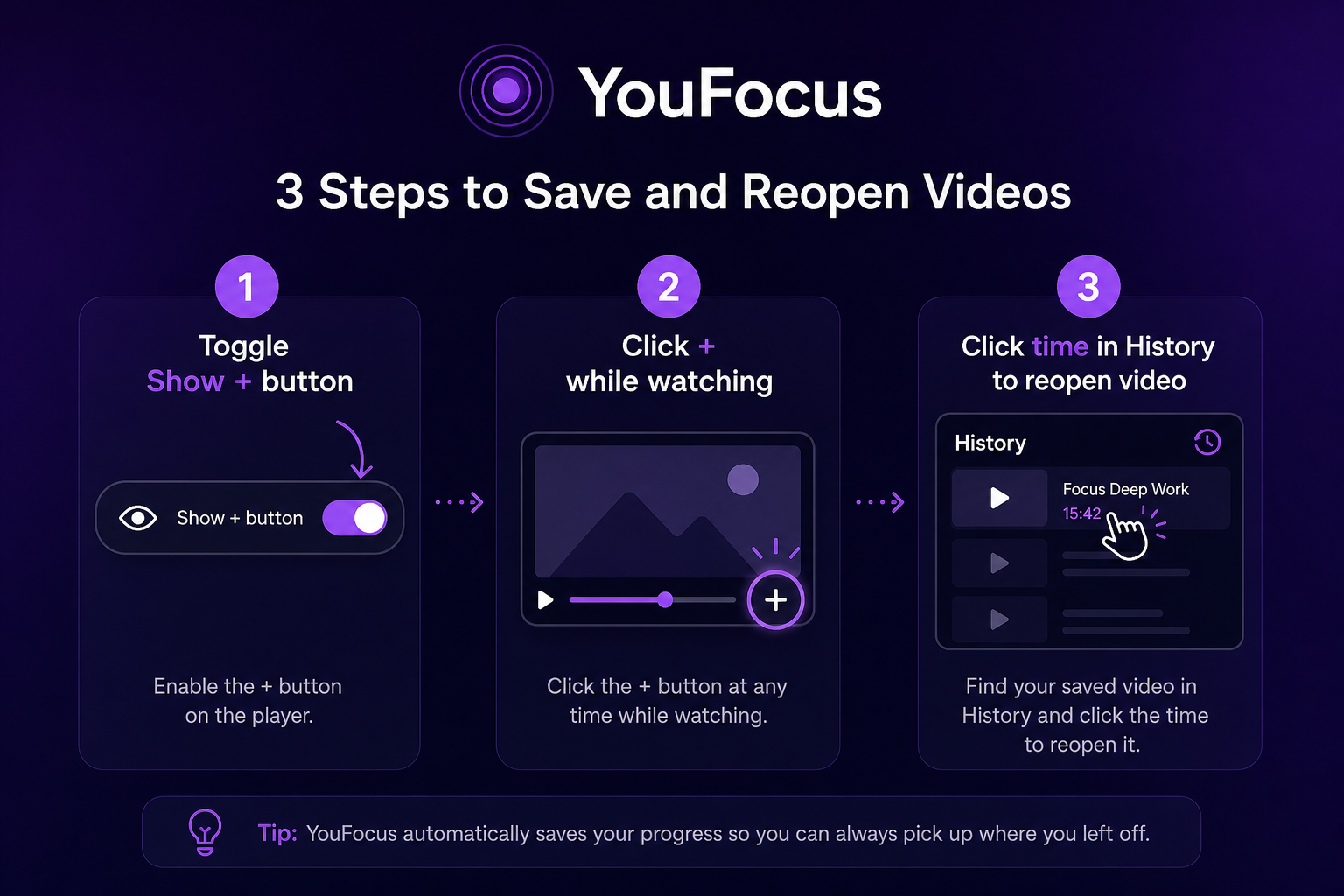
- Open the YouFocus popup → under Video notes, turn on Show + button on player.
- Play any YouTube video → click + in the bottom control bar (near subtitles).
- Type your thought → Save. The note is stored with that timestamp.
After an update, the popup can show a short What’s new guide once — same three steps, built in.
What to write (so notes actually help later)
You do not need essays. The best YouTube notes are tiny anchors:
- One command —
docker compose up -dat 12:04 - One “aha” — why the professor swaps the formula at 8:41
- One trap — “they skip the install step here”
- Vocabulary — new word + meaning at the moment you heard it
When you rewatch or revise, you are not searching the timeline — you are scanning a list of moments you already marked.
Gentle reminders while you watch
Before each saved timestamp, a small reminder can appear on the player — a nudge that you left yourself a note here. It is optional in spirit: your past self tapping your shoulder, not another notification feed.
Who this is for
- Students — lectures, exam prep, MOOCs where one diagram at 23:17 is the whole chapter.
- Developers — tutorial series where setup steps are easy to miss.
- Language learners — phrases you want to hear again in context.
- Anyone who learns from YouTube and is tired of losing the link between the idea and the minute it appeared.
Try it free
Install YouFocus on Chrome — free, no sign-up. Turn on the + button, watch one video, save one note. You will feel the difference on the second video.
Want to jump back from History? Read Click any timestamp and reopen the video there.